

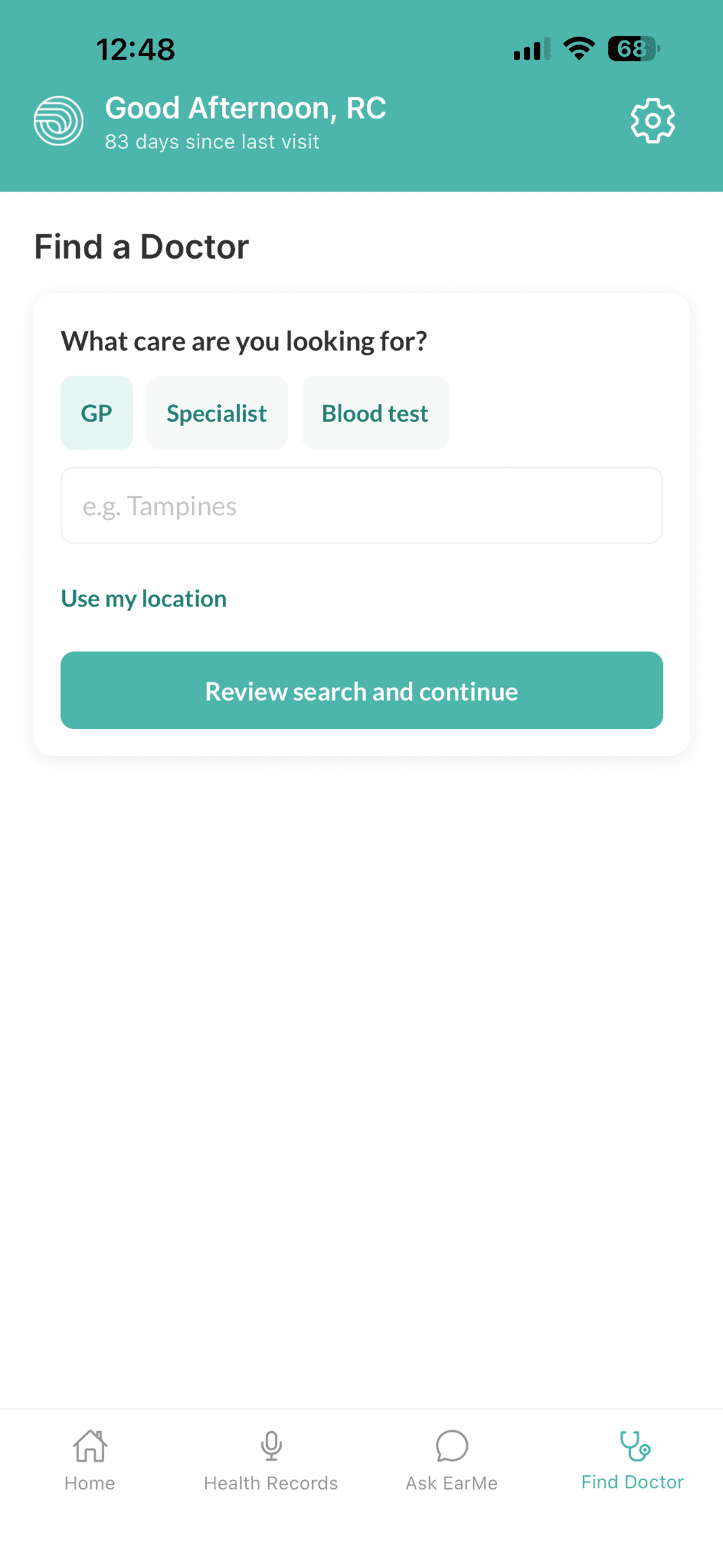
Find care nearby
Search for doctors, clinics, and blood test services. Explore available ratings, reviews, and contact details, then confirm the details with the provider.
Your health, understood.
There’s a lot to take in. Keep your appointment recordings, health records, and next steps together, so you can come back to them in your own time.
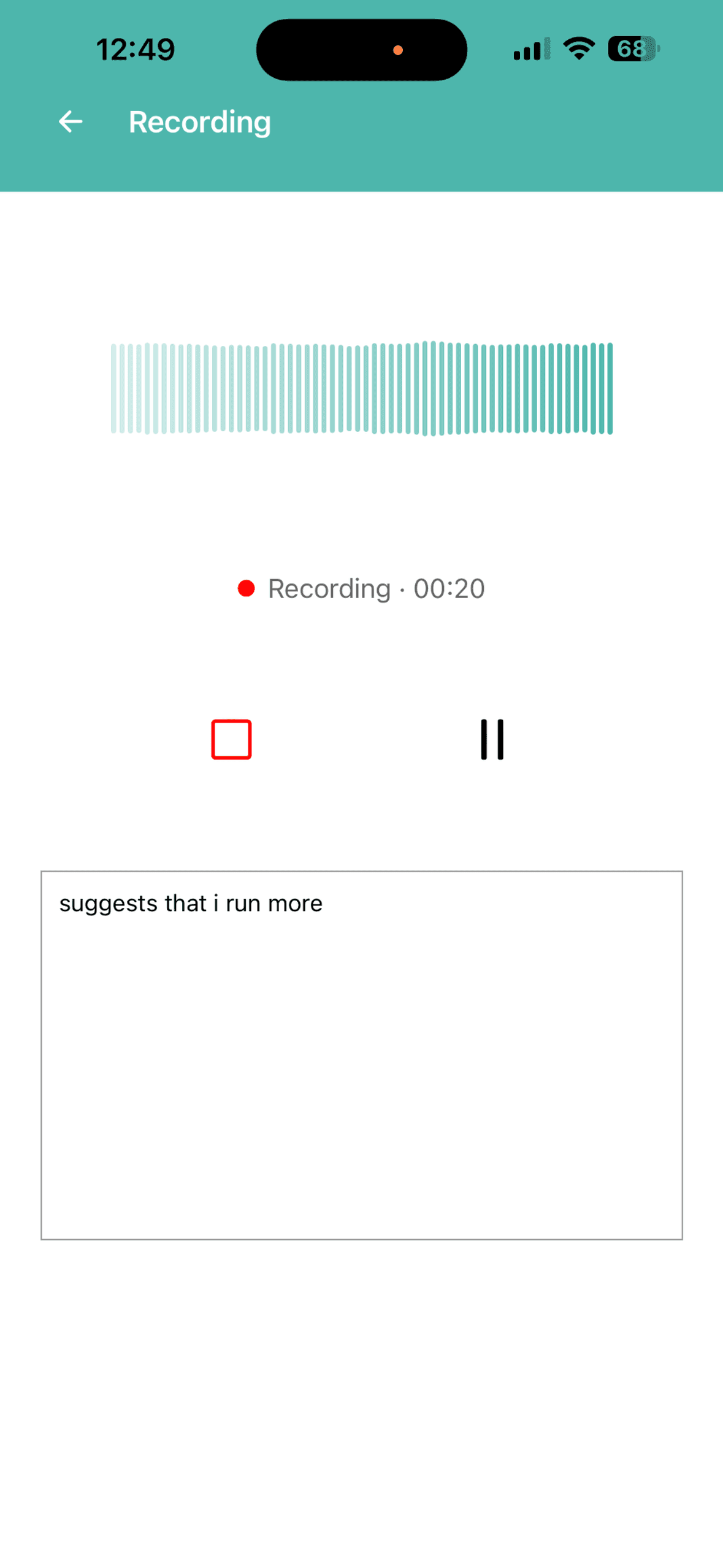
Be there for the conversation.
Come back to the details.
A little less to hold in your head.
Record a visit with permission, or upload a health document.
Revisit the details and ask questions about your saved records.
Find your history and keep practical follow-ups in view.
Record appointments, organize documents, and keep track of next steps in one place.
Stay with the conversation, knowing you can play it back. Add your own notes, read the transcript, or start with a plain-language summary.
Always ask everyone’s permission before recording.
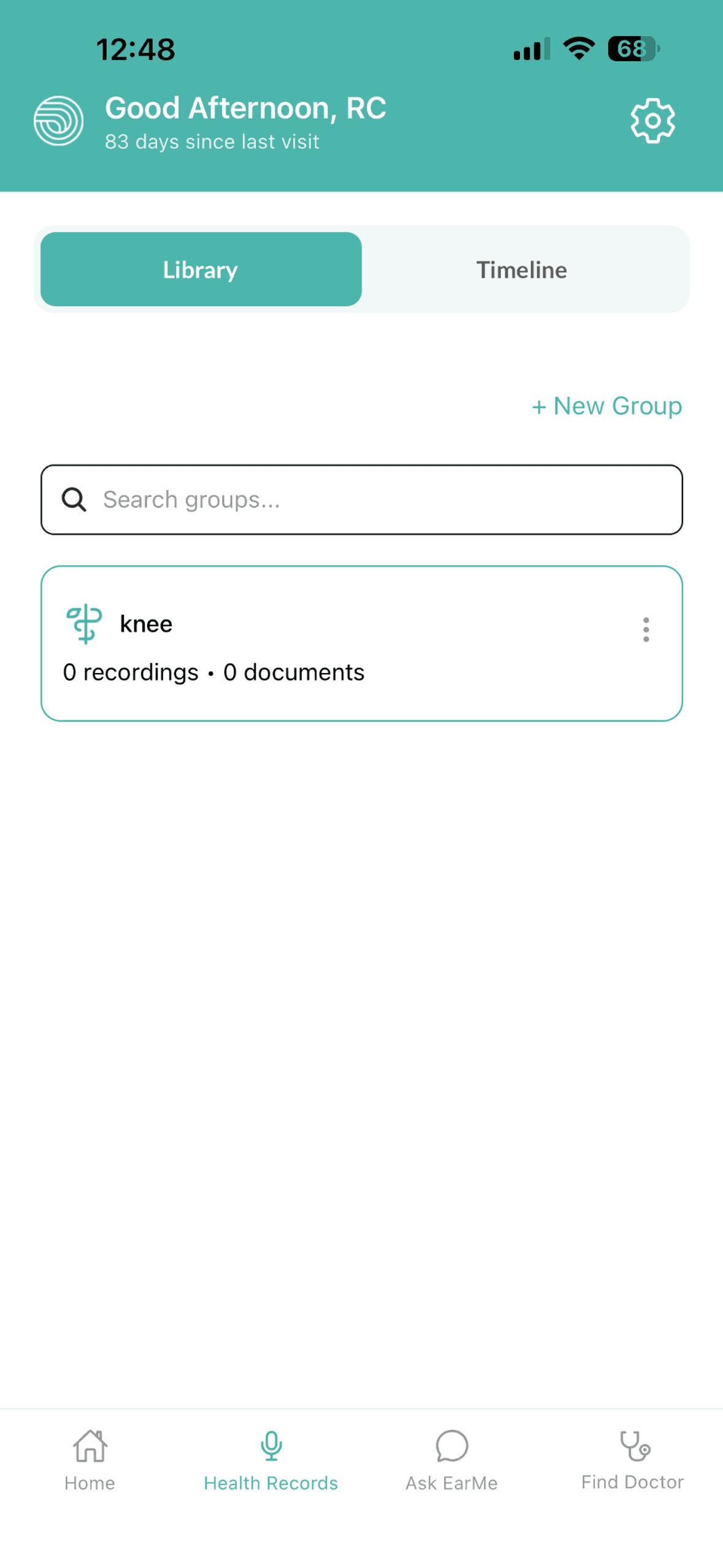
A report here, a recording there. Give them a place together. Upload medical PDFs and organize documents and appointments into groups that make sense to you.
Open the original file whenever you need it, with useful information extracted when available.
Ask about a document or something discussed at a visit. Choose the relevant group and keep asking follow-up questions in the same conversation.
EarMe draws on your saved information. If the answer isn’t there, it should say so. Check important details against the original record and with your clinician.
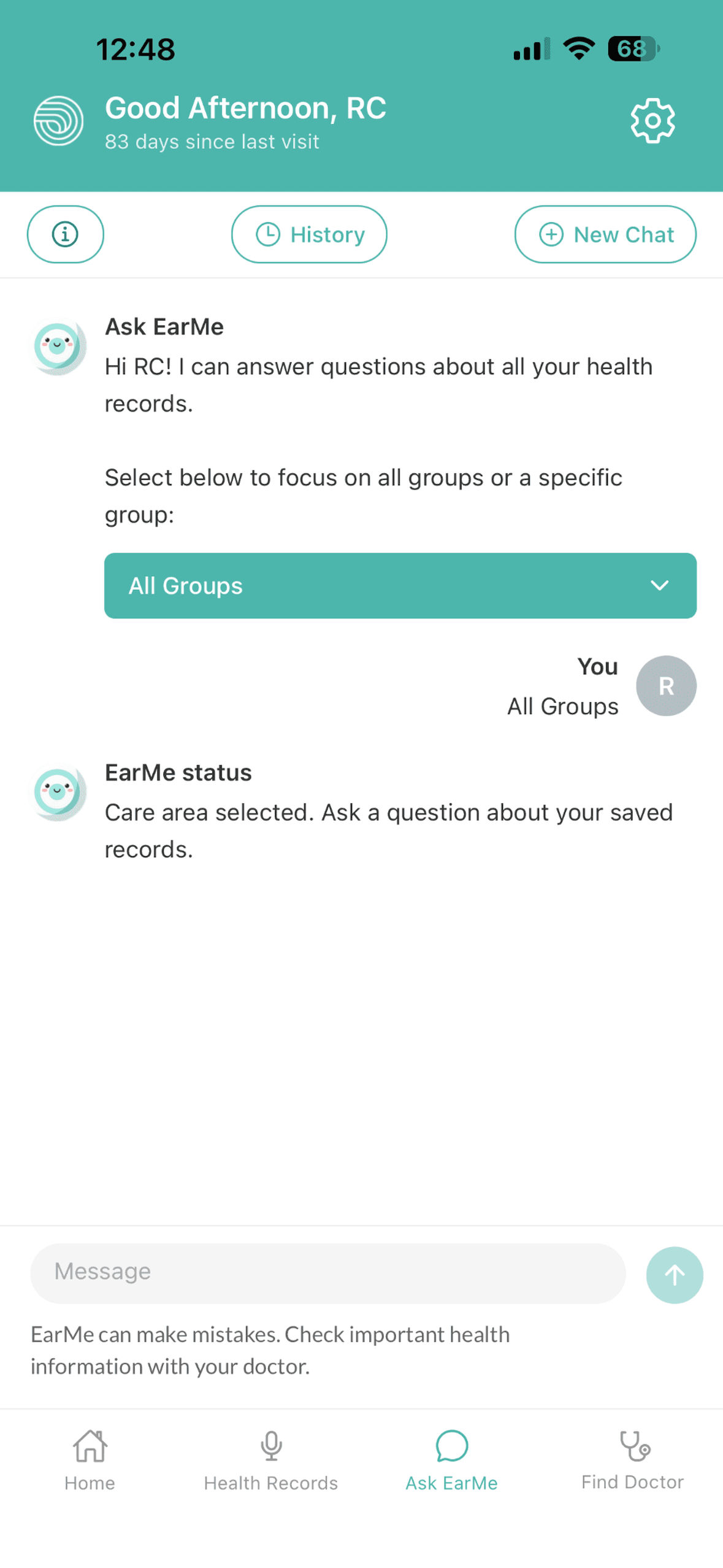
Choose the context. Then ask in your own words.
Between appointments
Browse appointments, documents, and extracted events in your timeline. When comparable measurements are available, see the previous available result alongside the current one.
Keep practical follow-ups in your tasks, and save questions for your next conversation with your doctor.
How the pieces connect
Your appointmentAudio, transcript, and summary
Your historyDocuments and events, in order
Your next stepsFollow-ups and questions to keep
An illustration of the workflow, not a medical record.
For the everyday, too
Search for doctors, clinics, and blood test services. Explore available ratings, reviews, and contact details, then confirm the details with the provider.
Explore general exercise, sleep, and diet suggestions. Keep questions handy to discuss what makes sense for you with a healthcare professional.
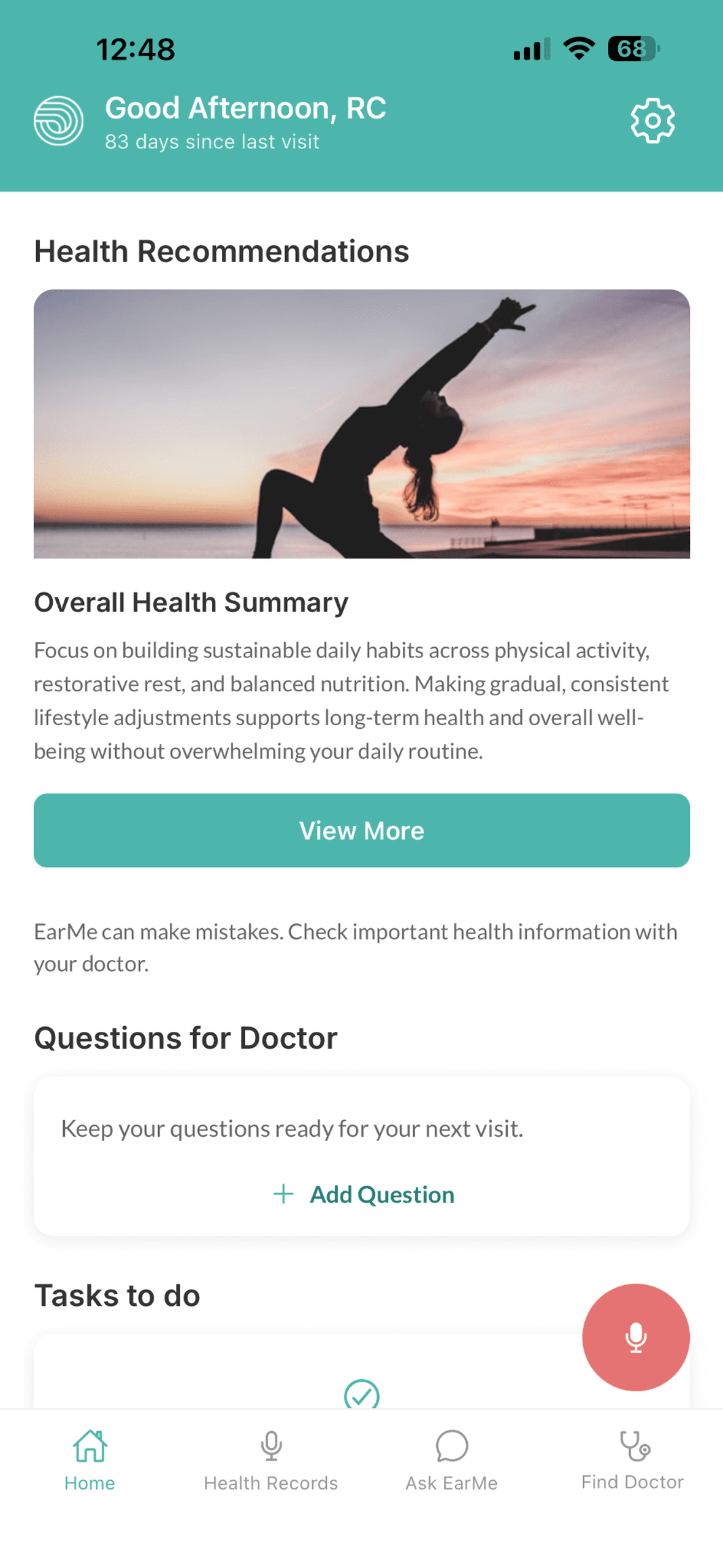
EarMe helps organize and explain information. It can make mistakes or miss details. It doesn’t diagnose, replace professional advice, or provide emergency care.
You can delete your account in the app’s Settings. Read our privacy policy for how information is handled.
Read our privacy policyEarMe is a personal wellness and health-records companion. It helps you keep appointment recordings, medical documents, questions, and practical follow-ups together, so you can revisit information and prepare for conversations with healthcare professionals.
EarMe is free and available on iPhone. Download it from the App Store. The website introduces the app; your records and EarMe features are accessed in the iPhone app.
Find EarMe on the App StoreYes. Ask everyone involved for permission before recording. Respect their decision and follow the recording requirements that apply where you are. You can also add your own notes in EarMe.
No. EarMe helps you organize and make sense of information. It does not diagnose, replace professional medical advice, or provide emergency care. Confirm medical decisions with a qualified healthcare professional. If you think you may be experiencing a medical emergency, contact your local emergency services.
Your health, understood.
Your recordings. Your records. A place to come back to.
Free on iPhone.
Need a hand? Get in touch